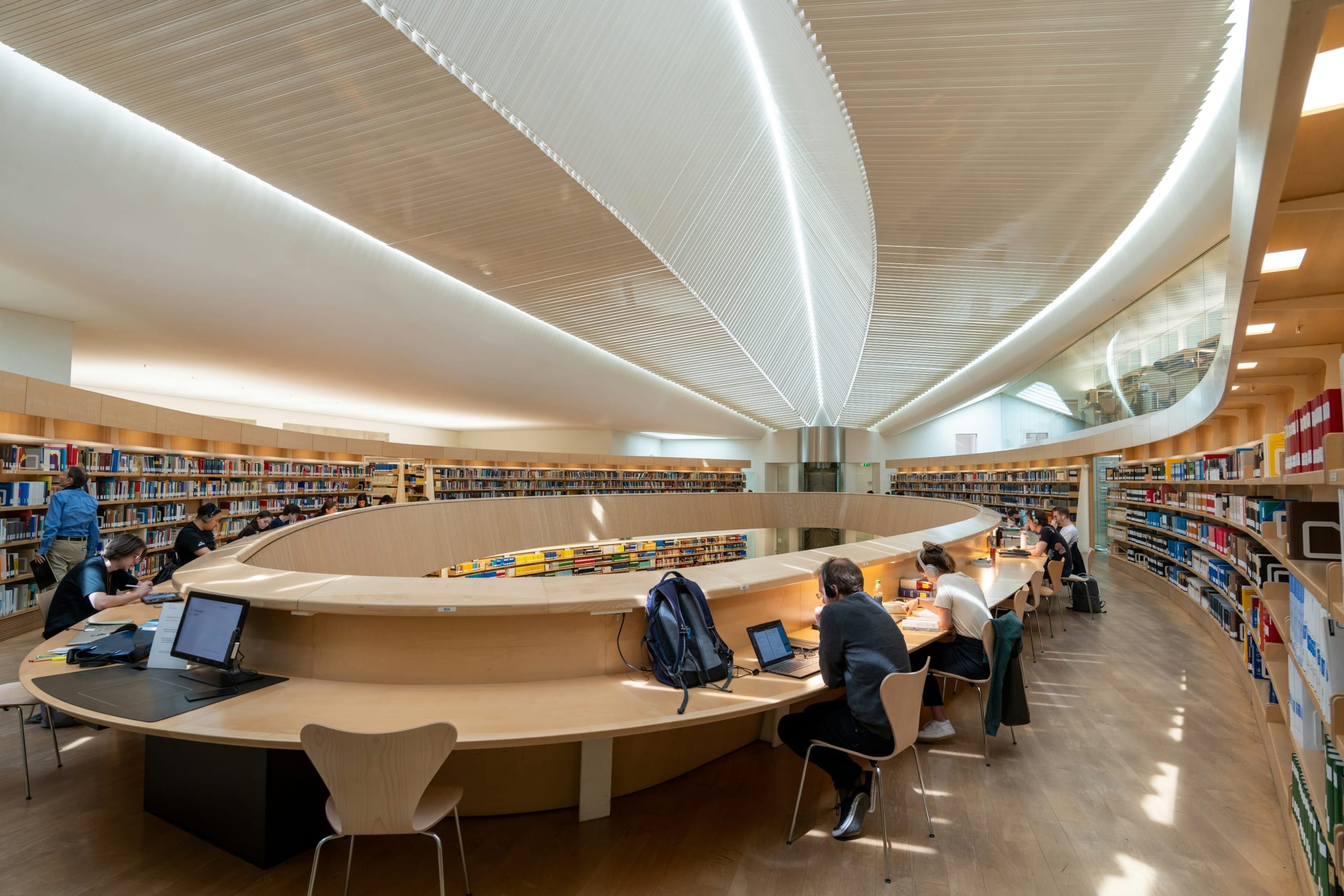

Use a desktop computer

Log in using your ENT credentials on the desktop computers available in the university libraries.

Request a free account to receive your login credentials. Once approved, this account will give you access to all desktop computers in the University of Montpellier’s library system for one year. At the end of this period, you can request a renewal.

Tutorial: Creating a Public Account

Follow the guide: the process takes about 15 minutes.

Follow the guide (new tab)

Frequently Asked Questions About Desktop Computers

The public account is valid for one year. At the end of this period, you may request a renewal.

Once verified, the public account provides access to all desktop computers in the University of Montpellier’s library system.

To create a public account, follow the tutorial available on the page (PDF document). The process takes about 15 minutes.

No. The UM University Libraries public account is free.

Yes. Users outside the University of Montpellier can request a free account to obtain login credentials.

Log in using your ENT credentials on the desktop computers available in the university libraries.

Students and staff at the University of Montpellier, as well as external users with a public account.

For further reading

Check out these additional resources to get the most out of university library services: